Portals
Donor Portal
The Donor Portal is a secure, personalized portal where your donors can view their gift history, download receipts, manage recurring giving preferences, and update their contact information — all without contacting your team. Access uses magic-link authentication, so donors never need to create or remember a password.
Authentication
Donors access the portal by entering their email address. Forge sends a one-time magic link to that address. Clicking the link opens a signed session valid for 24 hours. When the session expires, the donor simply requests a new link — no password reset flow is needed.
PII and session security
Magic links are single-use and expire after 24 hours. Sessions are signed and stored server-side (Forge Postgres portal_sessions table) referencing only the Salesforce Contact ID — no personal data is stored in Forge's database. Encourage donors to access the portal from private browsing or a secure device when using shared computers.
Gift history
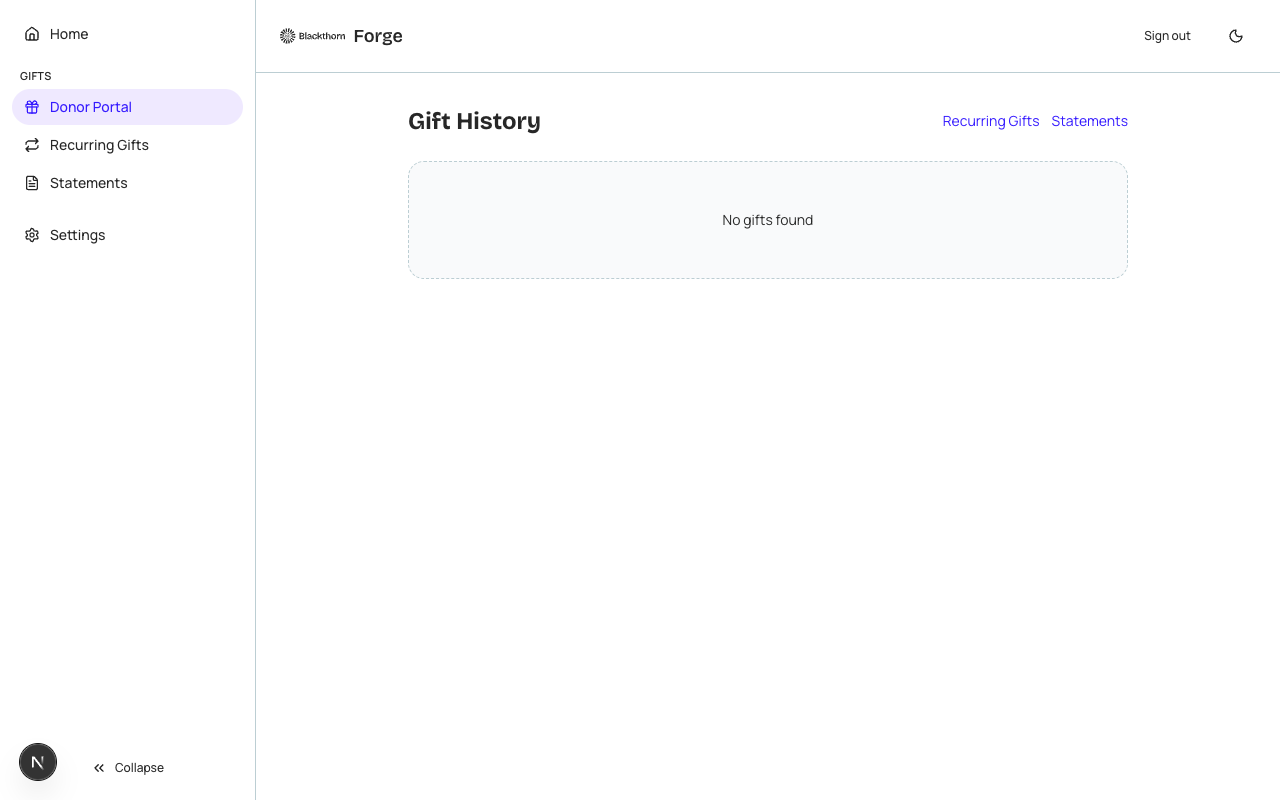
The portal surfaces the donor's complete gift history pulled in real time from Salesforce (bt_fundraising__Donation__c). Each gift shows the date, amount, designation, and payment status. Donors can click any gift to view full details and download a tax receipt PDF.
Recurring gifts
If the donor has one or more active recurring gift schedules (bt_stripe__Payment_Schedule__c), they appear in a dedicated Recurring Gifts section. From here donors can:
- View the schedule (amount, frequency, next payment date).
- Update the payment method (redirects to a secure hosted card update form via the payment gateway).
- Pause a recurring gift for a specified period.
- Cancel a recurring gift.
| Forge | SF Object | SF Field |
|---|---|---|
| Donation / gift | bt_fundraising__Donation__c | bt_fundraising__Amount__c, bt_fundraising__Designation__c, bt_fundraising__Status__c |
| Recurring schedule | bt_stripe__Payment_Schedule__c | cadence, next run, gateway |
| Donor identity | Contact (standard) | Email (used for magic-link lookup only; stored in SF, never Forge Postgres) |
Contact information update
Donors can update their mailing address and phone number via the Profile section of the portal. Changes are written back to their Salesforce Contact record in real time. Email address changes are not permitted from the portal (email is the identity key for the magic-link system).
All donor data displayed in the portal is fetched just-in-time from Salesforce. Forge does not cache or store personal giving history in Postgres. This ensures Salesforce remains the single system of record and that any manual adjustments made by your team in Salesforce are immediately visible to the donor.