Portals
Bidder Portal
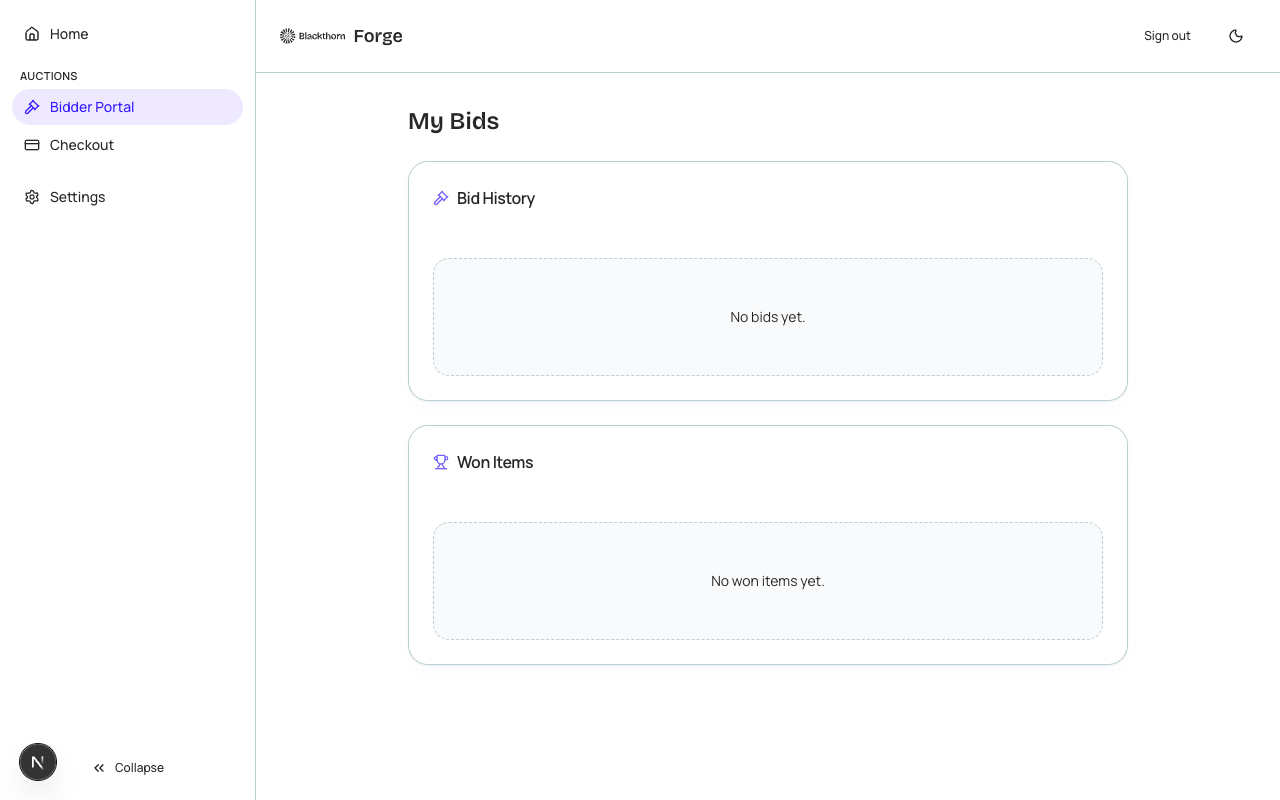
The Bidder Portal gives auction participants a dedicated interface to register for auctions, track their bids, view winning items, and complete payment for any items they have won — all with a frictionless magic-link login experience.
Auction types
The Bidder Portal supports Silent, Live, and Timed auction formats (bt_fundraising__Auction__c). The features available to bidders depend on the auction type — for example, proxy bidding is only available in Timed auctions.
Authentication
Bidders authenticate with the same magic-link system used by the Donor Portal — they enter an email address, receive a one-time link, and click it to open a 24-hour session. No password is required. For live in-person auctions, event staff can also generate a QR code that bidders scan to log in instantly at check-in.
Auction registration
Before bidding, participants complete auction registration (bt_fundraising__Auction_Registration__c). Registration may be free or may require a credit card to be placed on file. During registration, the bidder is assigned a bidder number displayed prominently in the portal and on any printed paddle.
Bidding
- Silent auctions — Bidders enter a manual bid amount on any item. The portal shows the current high bid and the minimum increment. Bidders are notified by email if they are outbid.
- Timed auctions — Same as silent but with a countdown clock per item. Bidders can enter a proxy (maximum) bid; Forge automatically raises their bid in increments up to the proxy limit.
- Live auctions — Items are presented one at a time by the auctioneer. Bidders tap a Bid button in the portal to submit a bid at the current increment. Real-time updates are pushed via WebSocket.
| Forge | SF Object | SF Field |
|---|---|---|
| Auction | bt_fundraising__Auction__c | bt_fundraising__Type__c (Live/Silent/Timed), bt_fundraising__Status__c |
| Auction item | bt_fundraising__Auction_Item__c | Name, bt_fundraising__Starting_Bid__c, bt_fundraising__Minimum_Bid_Increment__c |
| Bid | bt_fundraising__Bid__c | bt_fundraising__Amount__c, bt_fundraising__Bidder__c |
| Registration | bt_fundraising__Auction_Registration__c | bt_fundraising__Bidder_Number__c, bt_fundraising__Contact__c |
| Pledge/win | bt_fundraising__Auction_Pledge__c | bt_fundraising__Amount__c, bt_fundraising__Status__c |
Post-auction payment
After the auction closes, winning bidders see a Checkout section in their portal listing all items won and the total due. They complete payment via the event's configured payment gateway. The Transaction is recorded in Salesforce (bt_stripe__Transaction__c) and linked to the auction pledge records.
PII in bidder sessions
Bidder names, email addresses, and payment method details are personal data. Payment card information is tokenized client-side by the payment gateway and never stored in Forge or Salesforce. Names and emails are stored in Salesforce Contact records and surfaced just-in-time to the portal.