Welcome
What Is Forge
Forge is Blackthorn's event-management web app — a fast, modern interface that sits as a stateless layer on top of your Salesforce org. Every record you create or edit in Forge is immediately written to Salesforce; Forge itself holds no permanent copies of your event data, attendee PII, or financial records.
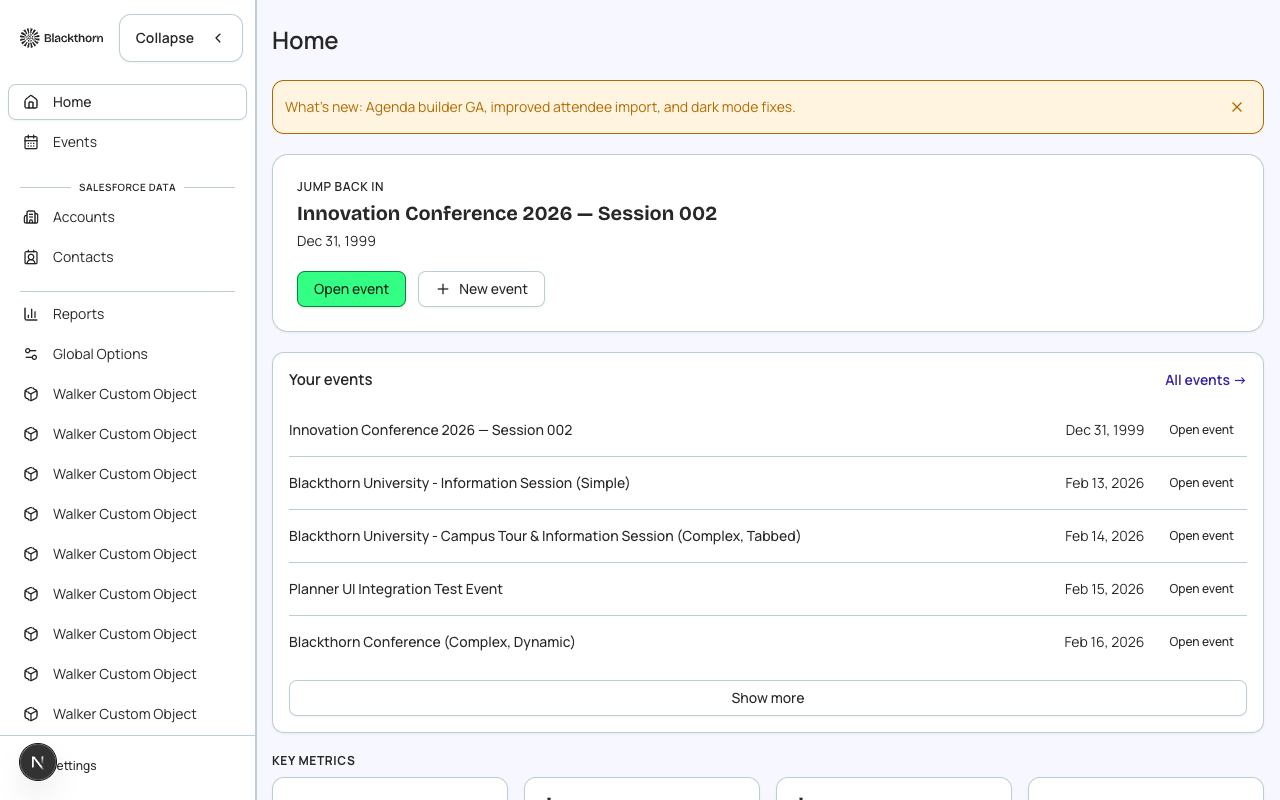
The stateless-layer model
Traditional event-management tools store your data in their own database and offer a one-way sync back to Salesforce. Forge takes the opposite approach: Salesforce is the system of record, and Forge is simply a purpose-built UI that reads and writes through the Blackthorn managed packages in real time.
- No duplicate database — your Salesforce data is the only copy.
- Changes made in Salesforce are visible in Forge immediately (after a page refresh).
- Your existing Salesforce automations, flows, and reports continue to run against live records.
- Data residency and compliance obligations are satisfied at the Salesforce layer, not duplicated.
Powered by Blackthorn managed packages
Forge reads and writes through three namespaced managed packages installed in your Salesforce org: Events (conference360__), Payments (bt_stripe__), and Base (bt_base__). Fundraising features (Donations and Auctions) use a fourth package: bt_fundraising__. You never need to interact with these API names directly — Forge surfaces them as friendly labels.
What Forge manages
- Events — create, configure, clone, and publish events of any type (in-person, virtual, or hybrid).
- Registrations — sell tickets, manage waitlists, handle discount codes and promotional pricing.
- Attendees — view, filter, check in, and communicate with everyone who registers.
- Sessions — schedule breakout tracks and link them to tickets or attendee groups.
- Speakers and Sponsors — manage profiles, confirmations, and portal access.
- Forms — build registration forms that map directly to Salesforce fields.
- Payments — connect a payment gateway, set fees, and track revenue.
- Communications — send targeted emails to audience segments before, during, and after events.
- Reporting — view registration funnels, revenue snapshots, and attendance metrics.
What Forge does not do
- Forge does not store attendee PII (names, emails, phone numbers, addresses). That data lives exclusively in Salesforce Contacts, Leads, and Attendee records.
- Forge does not process payments itself — it passes charge requests to your configured gateway (Stripe, Authorize.Net, etc.) and records the result in Salesforce.
- Forge does not replace Salesforce reporting — it surfaces key metrics in-app, but your Salesforce reports and dashboards remain the authoritative analytics layer.
Attendee PII stays in Salesforce
Names, email addresses, phone numbers, and mailing addresses belong exclusively to Salesforce Contact and Lead records. Forge fetches them just-in-time and never caches them in its own database. Do not export attendee lists to external systems unless your data-governance policy permits it.